
Documentation Index
Fetch the complete documentation index at: https://docs.notifuse.com/llms.txt
Use this file to discover all available pages before exploring further.
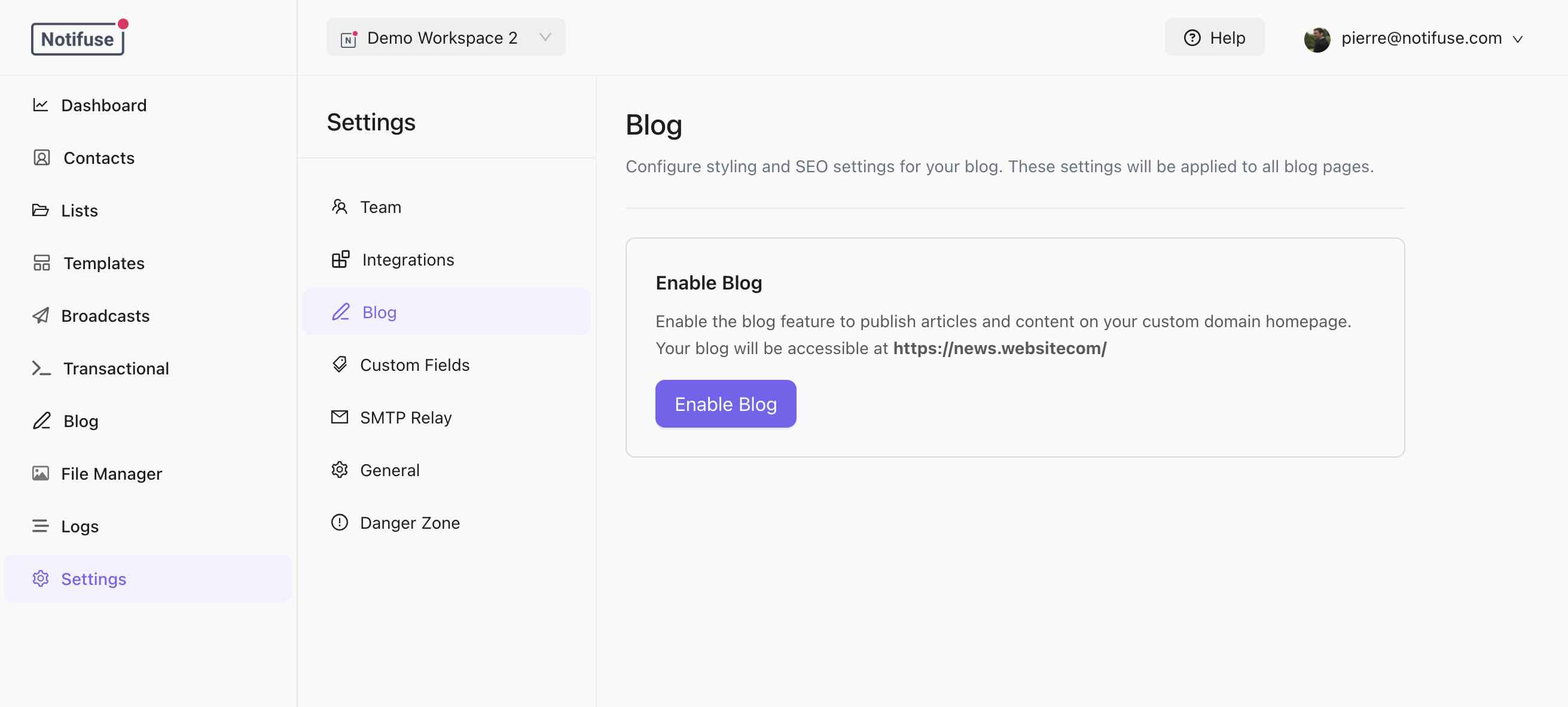
Enabling the Blog
- Go to Settings > Blog
- Toggle Enable Blog
- A default theme is automatically created and published
Custom Domain
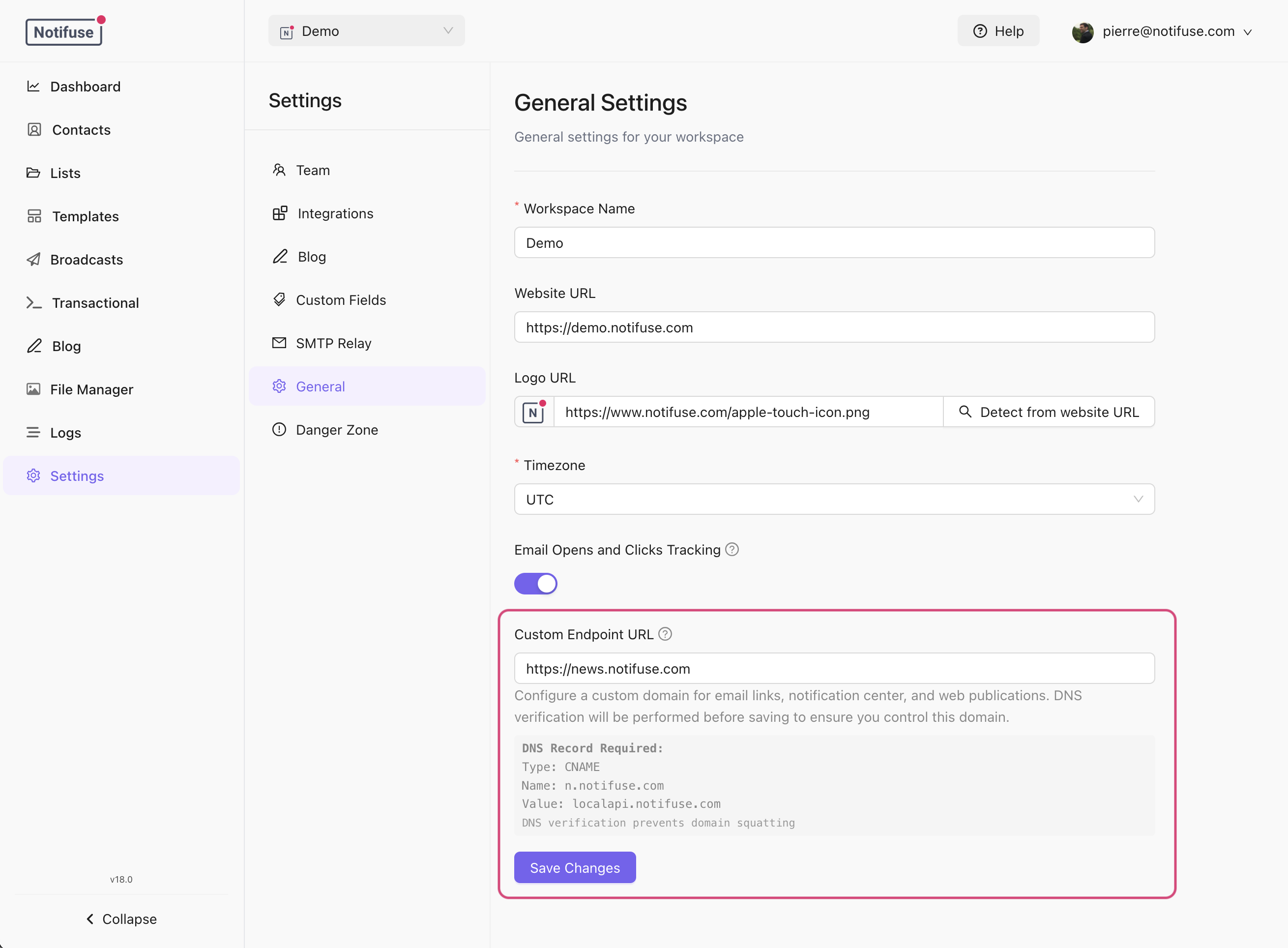
The blog is served at the root path/ of your custom domain. Configure this in Settings > Workspace:
- Set your Custom Endpoint URL (e.g.,
https://blog.example.com) - Point your DNS to your Notifuse instance
- The blog will be available at
https://blog.example.com/
/console.
URL Structure
Blog Settings
| Setting | Description |
|---|---|
| Title | Blog title (defaults to workspace name) |
| Logo URL | Blog-specific logo |
| Icon URL | Favicon for the blog |
| Home Page Size | Posts per page on home (default: 20, max: 100) |
| Category Page Size | Posts per page on categories (default: 20, max: 100) |
SEO Settings
Default SEO settings apply to all pages unless overridden at the category or post level:| Field | Description |
|---|---|
| Meta Title | Title tag for search engines |
| Meta Description | Description for search results |
| OG Title | Open Graph title for social sharing |
| OG Description | Open Graph description |
| OG Image | Image for social sharing |
| Keywords | Meta keywords |
| Meta Robots | Crawling directives (e.g., index,follow) |
| Canonical URL | Canonical URL override |
Auto-Generated Pages
The blog automatically generates:/robots.txt- Allows all crawlers and references the sitemap/sitemap.xml- Lists all published posts with last modified dates
Caching
Blog pages are cached for 5 minutes. Cache is automatically cleared when:- A post is published or unpublished
- A post is created, updated, or deleted
- A theme is published
- A category is modified